
Fast, SafePrescription Deliveryto Your Door
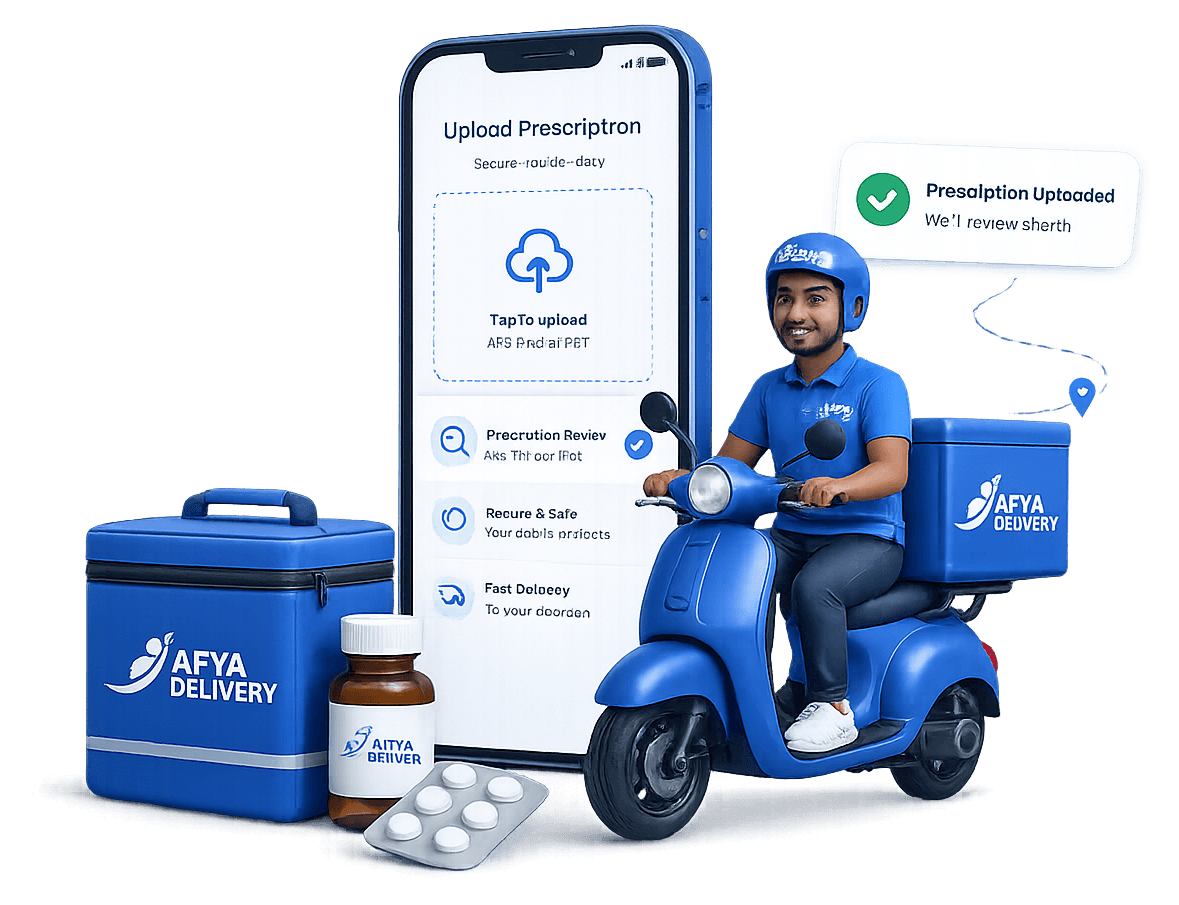
Upload your prescription, get it reviewed by our team, and receive your medicines safely at your doorstep.
Licensed. Trusted. Delivered with care.
Simple submission
A guided form keeps prescription requests clear and organized.
Human review
Each request can be reviewed before approval.
Direct communication
Contact details support timely order follow-up.
Delivery tracking
Approved orders move through clear delivery states.
SIMPLE PROCESS
How AFYA DELIVERY works
Starting a prescription delivery request takes only a few simple steps.
- 1
Submit your request
Enter the request details and attach a supported JPG, PNG, or PDF file.
- 2
Prescription review
An administrator checks the request and records an approval or rejection.
- 3
Order confirmation
Contact and payment details are confirmed before preparation begins.
- 4
Delivery progress
The approved order moves through preparation and delivery states.
A simpler way to request prescription delivery
A calm, clear experience from your first request through the delivery process.
Easy submission
Enter the request details and attach a supported prescription file.
Clear order process
Each request moves through review, approval, payment, preparation, and delivery.
Helpful communication
Follow up when a request requires confirmation or additional information.
Clear upload guidance
File requirements and next steps are explained before submission.
Mobile-friendly service
The website is designed to work clearly on phones, tablets, and computers.
Order-status organization
Requests are organized by review, payment, preparation, and delivery status.
BUILT WITH CARE
A clear and responsible request process
AFYA DELIVERY brings prescription review, order management, communication, payment status, and delivery progress into one structured workflow.
- Clear file requirements.
- Guided request submission.
- Administrative access controls.
- Organized order management.
Clear validation, controlled administrative access, and structured order records keep every request organized throughout the process.
AFTER SUBMISSION
What happens after you submit?
The team communicates updates directly as your request moves through each step.
- Pending Review
- Approved
- Paid
- Preparing
- Out for Delivery
- Delivered
Review
The request begins in pending review status.
Approval or clarification
The team may approve the request, reject it, or contact you for clarification.
Payment confirmation
Approved orders remain pending payment until payment is confirmed.
Preparation and delivery
Paid orders can move through preparation, dispatch, and delivery.
Order updates are currently communicated directly by the AFYA DELIVERY team.
QUESTIONS ANSWERED
Frequently asked questions
A few helpful details before you begin your request.
What files can I upload?
The form accepts one JPG, PNG, or PDF file up to 10 MB.
How clear should my prescription image be?
Make sure the entire prescription is visible, readable, and submitted as a supported JPG, PNG, or PDF file.
Does an upload confirm an order?
No. It creates a pending request for administrator review.
What happens after submission?
You receive a reference number, and the request enters the review and order-management workflow.
How will I receive order updates?
The AFYA DELIVERY team communicates review, payment, preparation, and delivery updates directly.
AFYA DELIVERY is not an emergency medical service. For urgent medical situations, contact the appropriate emergency or healthcare provider.
GET STARTED
Ready to submit a prescription request?
Complete the guided form and receive a reference number for your request.